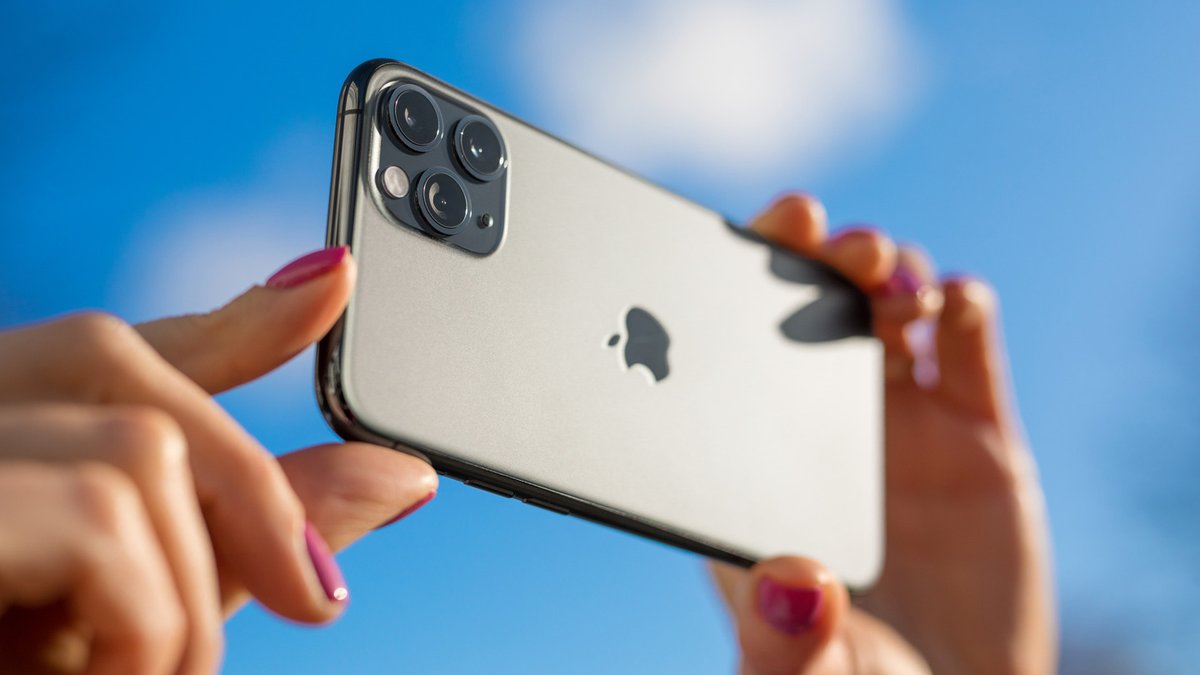
The iPhone camera system is often cited as the primary reason users choose the device, but many of its most useful capabilities are buried deep in the settings menu. These hidden features can transform casual snapshots into sharper, more professional-looking images without requiring a single third-party app. One of the most powerful yet overlooked tools is Photographic Styles, a feature that adjusts color and tone during capture rather than applying a filter after the fact. [1]
Adjusting the Tone Before You Shoot
Photographic Styles have been part of the iPhone software since the iPhone 13, offering options like Standard, Cool Rose, Lively, and Dramatic. The feature allows users to customize how their photos look immediately, but it comes with a specific requirement: the phone must be set to High Efficiency image capture mode, known as HEIF. This setting is usually found at the top of the Camera app or under Settings > Camera > Formats. Users who shoot in RAW cannot access this feature, as the format is designed for post-production editing rather than in-camera adjustments.
Related: Google Pixel 11 to Get 5 New Features
Another common annoyance for iPhone photographers is the automatic deployment of Macro mode. This feature uses the ultra-wide lens to capture extreme close-ups, but it often activates unintentionally, causing exposure and depth of field to shift the moment a user lifts their finger to snap a photo. To regain control, users can turn off the Macro Control toggle found in Settings > Camera > Macro Control. The camera app will display a flower icon when it detects a situation requiring macro photography, allowing the user to manually enable it or keep it disabled.
Locking the Focus and Exposure
Capturing a stable shot in low light or fast-paced environments often requires manual control over the camera’s auto exposure and auto focus (AE/AF). The iPhone allows users to lock these settings directly on the touchscreen. By tapping and holding anywhere on the screen, a yellow AE/AF Lock banner appears, freezing the focus and exposure point. This is particularly useful for preventing the camera from adjusting the lighting when a user is trying to hold a specific composition steady.
On newer models, such as the iPhone 16 and 17, this functionality extends to the Camera Control button. Lightly pressing and holding the button engages the AE/AF lock, releasing it when the finger is lifted. While the High Efficiency (HEIF) format is the default setting, saving photos as JPEGs ensures maximum compatibility across different devices and software. This is done by switching the format to “Most Compatible” under the same Settings > Camera > Formats menu. Apple ProRAW is also available on Pro models for users who want to edit every aspect of the image later.
Related: Why OnePlus R Series Phones Are Budget Friendly
Snapshots at High Speed
For those who document fleeting moments, such as street photography or family events, the iPhone’s ability to take rapid photos can be key. The camera app includes a “Prioritize Faster Shooting” setting that is active by default. This option allows the processor to dedicate resources to shutter speed rather than processing every image instantly, which can be the difference between capturing a fleeting expression or missing the shot entirely. Users can toggle this feature on or off under Settings > Camera > Prioritize Faster Shooting.
Why This Matters
Understanding these settings empowers users to capture better photos with the tools already available. By mastering manual controls and utilizing hidden features, photographers can reduce the time spent editing in post-processing applications. The iPhone remains a capable tool for both casual snappers and enthusiasts who want to get the most out of their hardware.




Leave a Reply