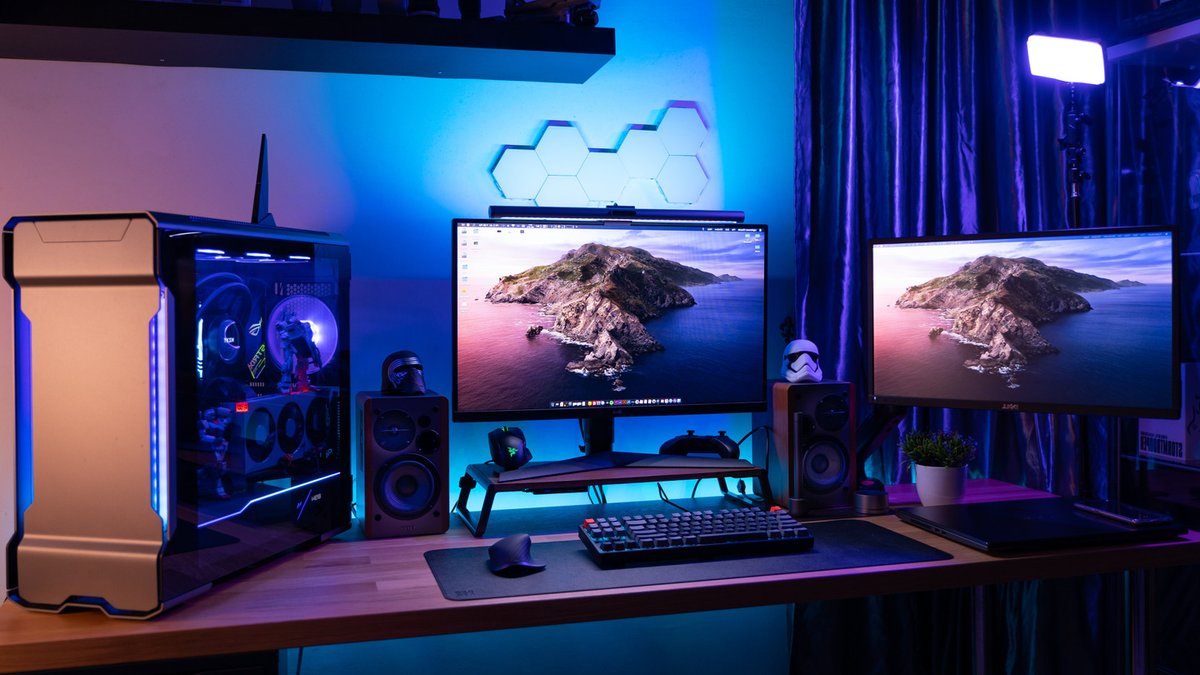
AMD GPUs can match Nvidia’s power, but careful handling is key to avoiding early replacement. This includes avoiding unsafe overclocking and managing runtime temperatures. AMD Adrenalin software offers tools to extend GPU lifespan while boosting performance. In 2026, dedicated software like AMD Adrenalin remains one of the best ways to manage your GPU, ensuring optimal performance and longevity. If you haven’t installed it yet, you can download it directly from AMD’s official website.
AMD Adrenalin’s Lifespan-Extending Features
AMD Adrenalin provides power-saving and optimization settings. The “Tuning” section under the “Performance” tab offers presets for GPU management. The “Undervolt” preset, or “Favor Efficiency,” reduces voltage and power limit, cutting electricity use while maintaining clock speeds. Generally, AMD commits to at least four to six years of optimizations and full software support, making it key to maintain your hardware to benefit from these updates even beyond the GPU’s expected lifespan.
This approach fine-tunes performance per watt, keeping temperatures and noise low. It’s particularly useful for long gaming sessions, as it reduces fan strain and system noise. Undervolting can also improve performance in older GPUs struggling with overheating. By lowering Total Board Power (TBP), this method ensures sustained performance without sacrificing efficiency, as heat is a primary factor in hardware degradation and performance decline.
Balancing Performance and Stability
Undervolting doesn’t underclock the system and may even increase frame rates. However, tolerance varies by game, task, and individual card. Manual undervolting through the “Custom” preset can lead to instability, causing artifacting, crashes, or reboots. Users should test performance and monitor changes. AMD emphasizes the importance of testing undervolting due to the “silicon lottery,” where individual card performance can differ significantly. If instability occurs, users can add voltage in small increments or revert to default settings.
Additional Lifespan-Extending Measures
Beyond software settings, regular maintenance is key. This includes dusting fans, cleaning the case, checking the cooling system, and reapplying thermal paste every few years. Avoiding excessive overclocking and being judicious with game settings can also reduce GPU strain. AMD’s AI features, such as frame generation, can further enhance performance by lightening the load on the physical hardware while maintaining graphics quality.
Capping frame rates, lowering graphics settings, and reducing shadow and lighting quality can decrease the load on the GPU. Disabling ray tracing in some games can also reduce GPU strain, as it requires complex calculations that can hamper FPS. For fast-paced games, turning off ray tracing can significantly improve performance, as AMD GPUs still handle this feature less efficiently than Nvidia GPUs.





Leave a Reply