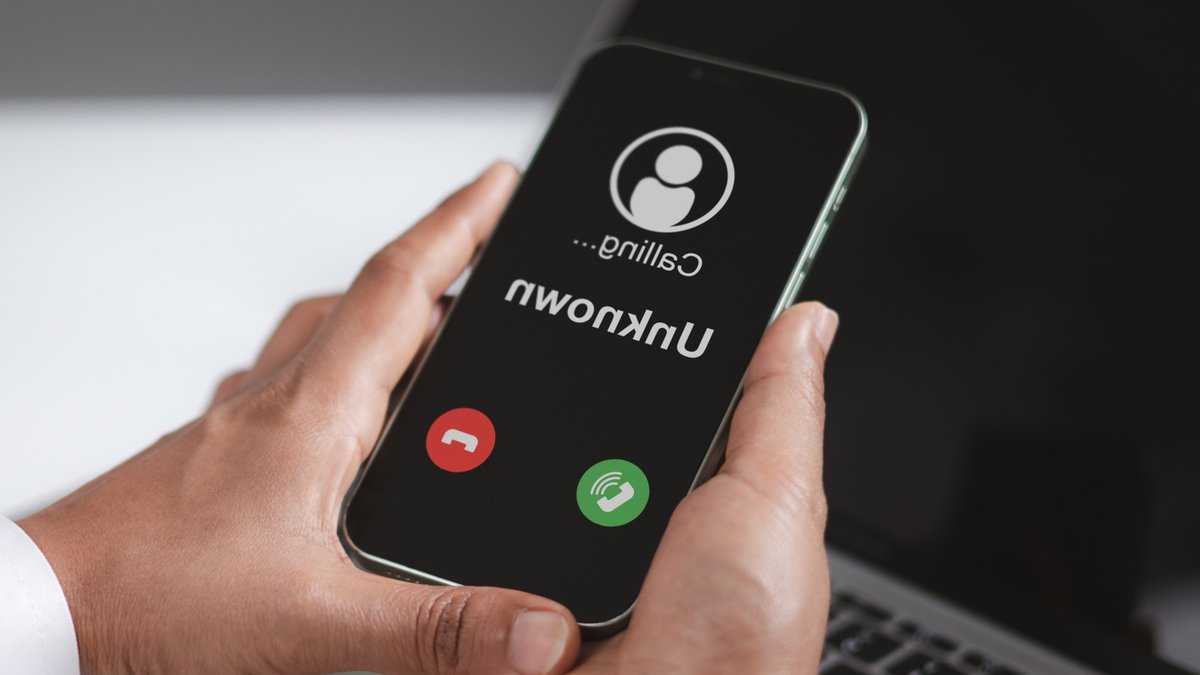
When receiving a call on your Google Pixel phone, the incoming call screen displays information about the caller, including their name and picture if they’re saved in your contacts.
Google Pixel phones offer a feature that allows users to create custom calling cards with a full-screen image and personalized text for each contact.
Creating Calling Cards for Contacts
To add a calling card to a contact, you can use either the Phone or Contacts app on your Google Pixel smartphone.
In the Contacts app, select the contact you want to add a calling card to, then tap the pencil icon or the “Try adding a calling card” area.
Alternatively, you can use the Phone app, tap the three lines in the top-left corner, select Contacts, and follow the same steps.
In the edit page, you’ll find three options at the bottom: Camera, Gallery, and Photos.
Choose one to select a picture for the card, then adjust its size and position as needed.
You can also customize the font and color of the contact name using the two rows at the bottom of the screen.
Creating a Custom Calling Card for Yourself
Pixel phone users can now create a customized calling card to represent themselves.
To do this, ensure your phone number is added to your Google Account, then open the Phone app and access the sidebar menu.
Go to Settings, scroll down to find Calling Card, and tap on it.
You’ll have the option to create a new calling card or edit an existing one.
Once you create a new calling card, you’ll see the same three image options as before.
Related: OpenAI launches real-time AI voice platform for businesses
Choose a picture, adjust it as needed, and customize the contact name’s appearance.
When you’re satisfied, tap Save to save the calling card to your Google Account.
This calling card will be displayed to anyone who calls you, even if they haven’t set up a custom card for your contact.
Creating a custom calling card is a useful way to personalize your phone experience and make it easier for others to recognize you when you call.
By creating a custom calling card, you can add a personal touch to your phone and make it stand out from the default screen.
Each Pixel user can add a customized calling card to represent them, which will be displayed to anyone who calls them.
Using Your Custom Calling Card
Once you’ve created a custom calling card, it will be displayed to anyone who calls you.
You can use this feature to add a personal touch to your phone and make it easier for others to recognize you.
Whether you’re calling friends, family, or colleagues, your custom calling card will be a great way to make a good impression.
In terms of customization options, you can choose from a variety of images and adjust the size and position of the picture to fit your needs.
You can also customize the font and color of your contact name to match your personal style.
Overall, creating a custom calling card on your Google Pixel phone is a simple and easy process.
By following the steps outlined above, you can add a personal touch to your phone and make it easier for others to recognize you when you call.




Leave a Reply